
Prizm Content Connect for SharePoint 2013
Features Overview
| About PCC for SharePoint 2013 > Features Overview |
This topic provides an overview of the Prizm Content Connect for SharePoint 2013 features:
Accusoft allows SharePoint to view dozens of document and image file types. Prizm Content Connect (PCC) for SharePoint 2013 integrates with Microsoft’s Web Application Open Protocol Interface (MS-WOPI) to provide a native viewing experience. Clicking a document link, or clicking View in Browser opens a document or image in the PCC viewer.
PCC for SharePoint delivers individual pages to the browser on-demand. The viewer is compatible with any HTML5 browser, and responds dynamically to browser size and orientation.
SharePoint’s native "file callout" (below) renders a scrollable document preview.
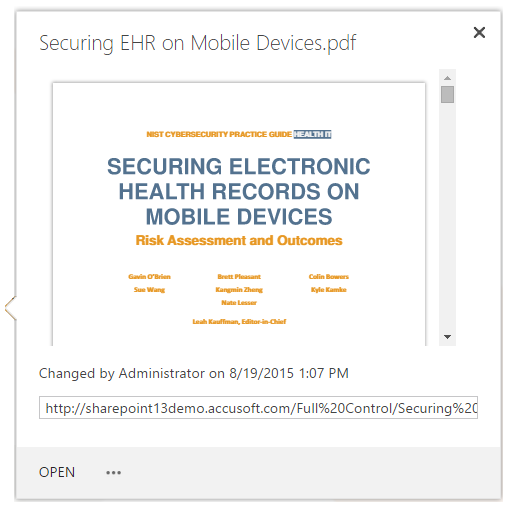
With SharePoint out-of-the-box, when a user with "View Only" permission clicks on a non-Microsoft file format, SharePoint downloads the file to the user's desktop. With PCC for SharePoint, "View Only" users cannot download files within SharePoint.
PCC for SharePoint can be configured to view Office documents in the PCC viewer, and edit in Office Web Apps, or configured to view and edit in Office Web apps, and only view non-Microsoft formats in the PCC viewer.
PCC for SharePoint allows you to redact sensitive text, redact entire pages, add text and highlights, and sign and download the PDF rendition to your desktop. PCC provides a higher level of document security, as redacted text isn't just hidden; it is completely removed.
Viewer functionality is turned on using standard SharePoint administration to grant users and groups custom viewer permissions. The following individual permissions can be combined and granted to users and groups to only expose the relevant features.
PCC for SharePoint can be customized to View or Preview the file formats you select.