ImageGear for C and C++ on Windows v21.0 - Updated
User Guide / How to Work with ... / Image Processing and Cleanup / Special Effects / Solarize Effect
In This Topic
    Solarize Effect
    In This Topic

    IG_FX_solarize mimics the accidental exposure of photographic film to light.

    Solarize inverts the colors of pixels whose lightness exceeds a given threshold. If lightness is considered on a 0 to 1.0 scale, the default threshold used by various paint programs is 0.5.

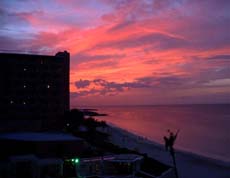
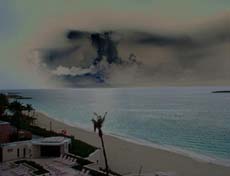
    In the following set of images, Solarize was performed with a threshold that caused the color of the sky to be inverted while the rest of the image remained unaffected.

    Original

    Solarize Effect