



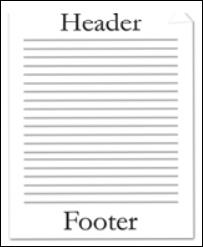
Headers and footers refer to text, graphics or data (such as page number, date, document title, and so on) that can appear at the top or bottom of each page in a WordprocessingML document.
A header appears in the top margin (above the main document content on the page), while a footer appears in the bottom margin of a document page (below the main document content on the page).
Since WordprocessingML is a flow-based format, headers and footers are applied by specifying the headers and footers for all pages in a particular section of a document.
Within each section of a document there can be up to three different types of headers and footers:
- First page header/footer - specify a unique header or footer which shall appear on the first page of a section.
- Odd page header/footer - specify a unique header and footer which shall appear on all odd numbered pages for a given section.
- Even page header/footer - specify a unique header and footer which shall appear on all even numbered pages in a given section.
ImageGear supports any content within Headers/Footers that is supported for regular document body.
